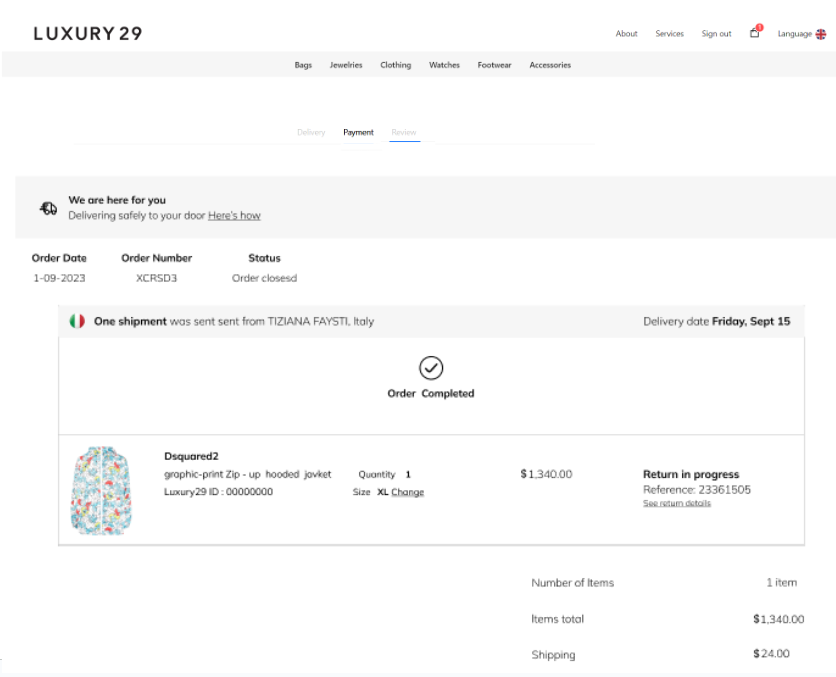
How to order and pay
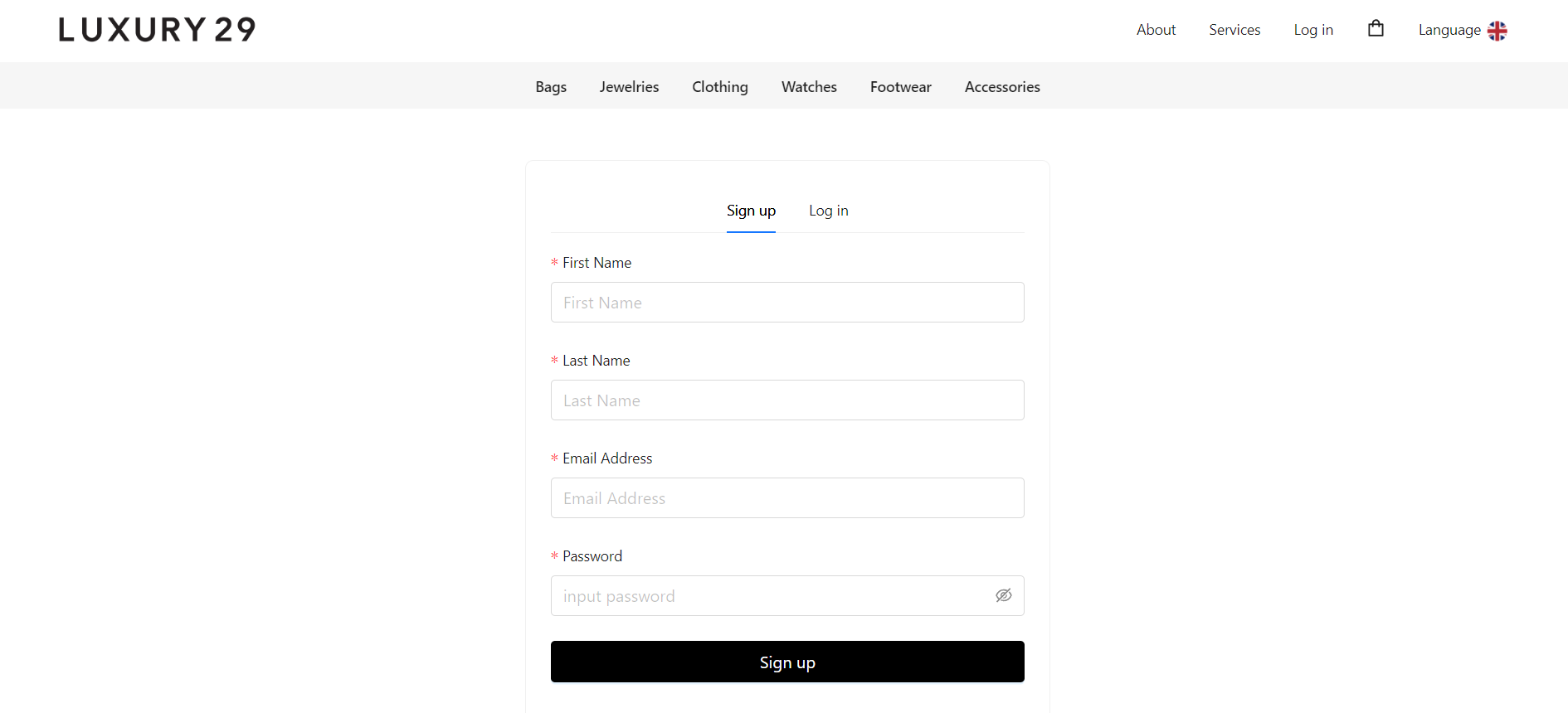
1. When customers are interested in ordering products online from the website Let customers apply for membership and Log-in to our member system.
2. Select the product and the number of products you want to order. Then press the button "add to cart"
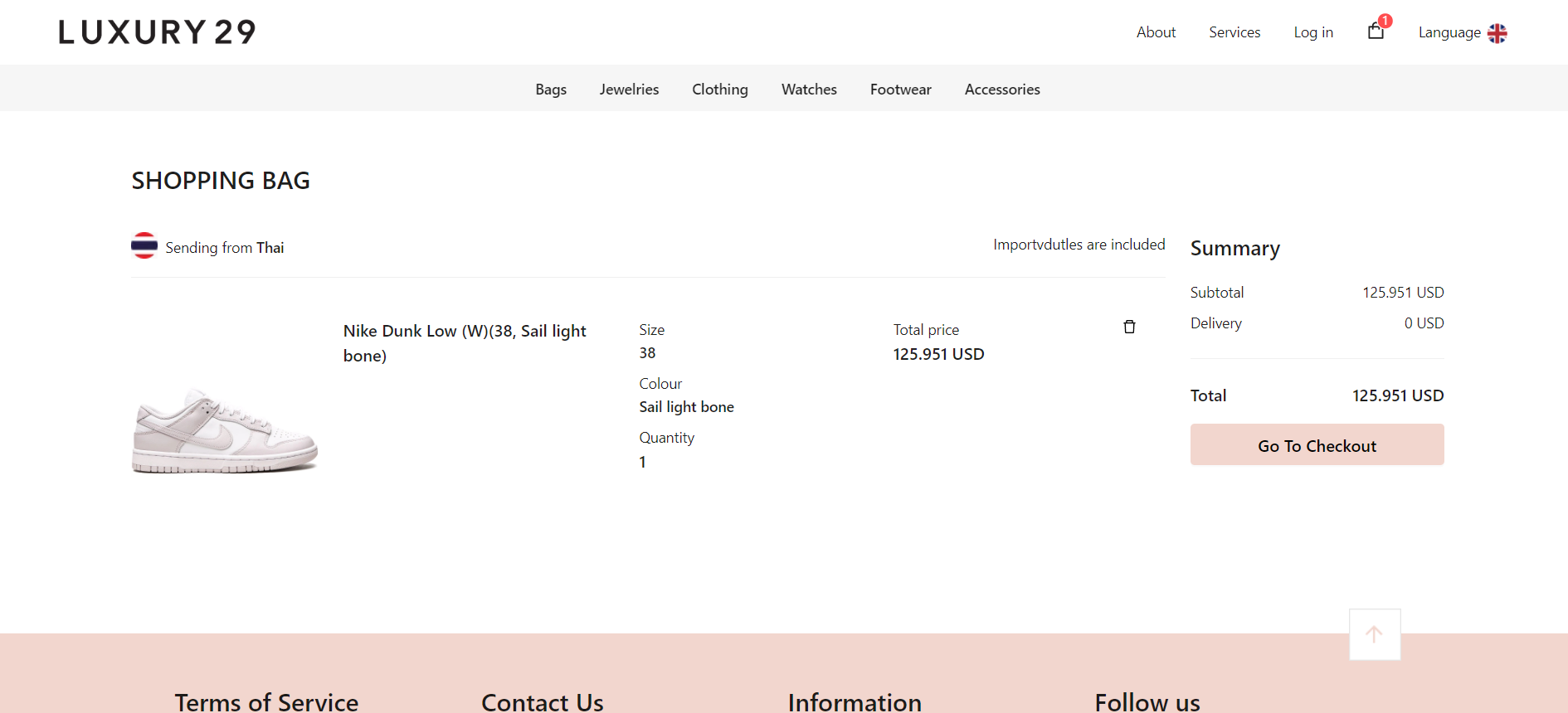
3. When you select the product, add it to the basket. Allows you to click the "Go to Check Out" button to view the order summary and "fill in the address for delivery"
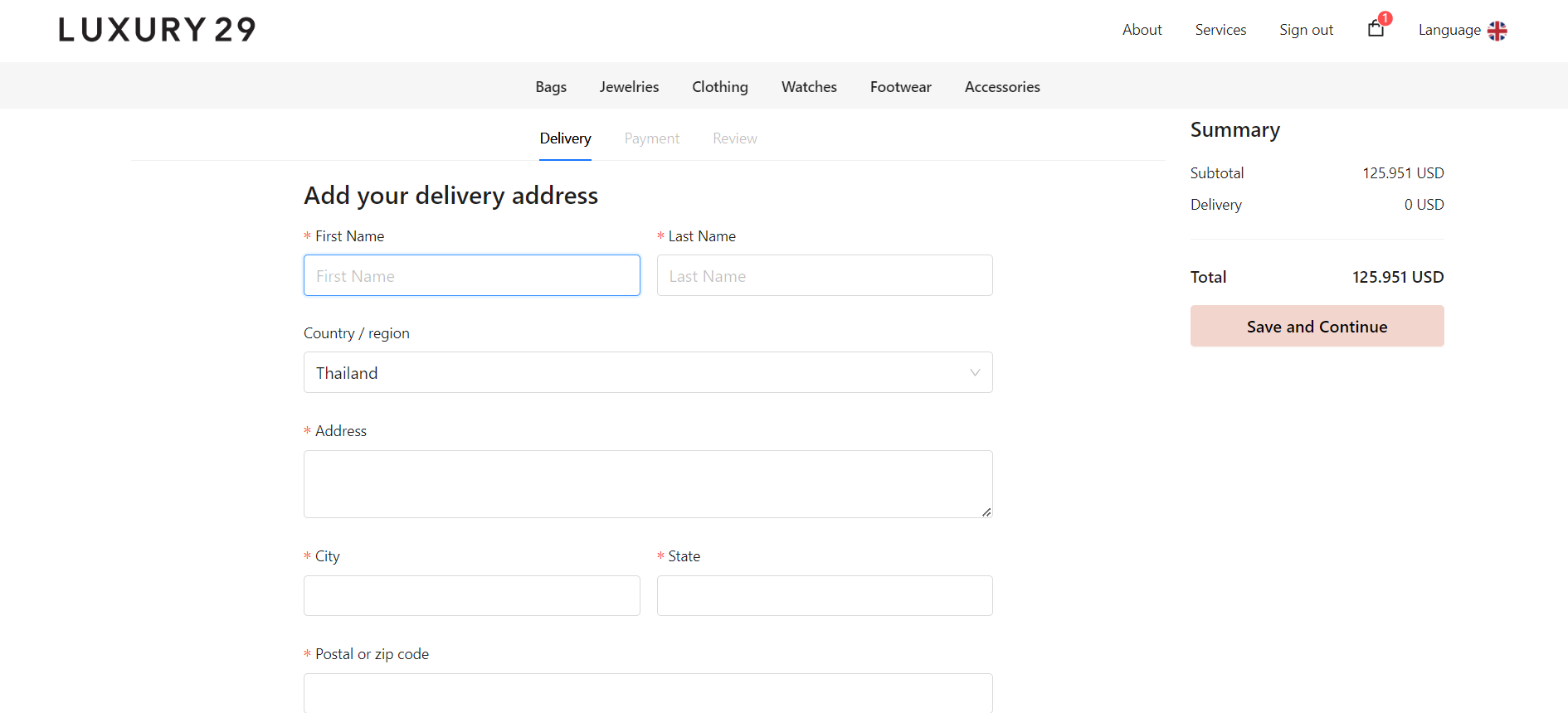
4. Once you have filled in the shipping address information. Please select a method for “Payment”.
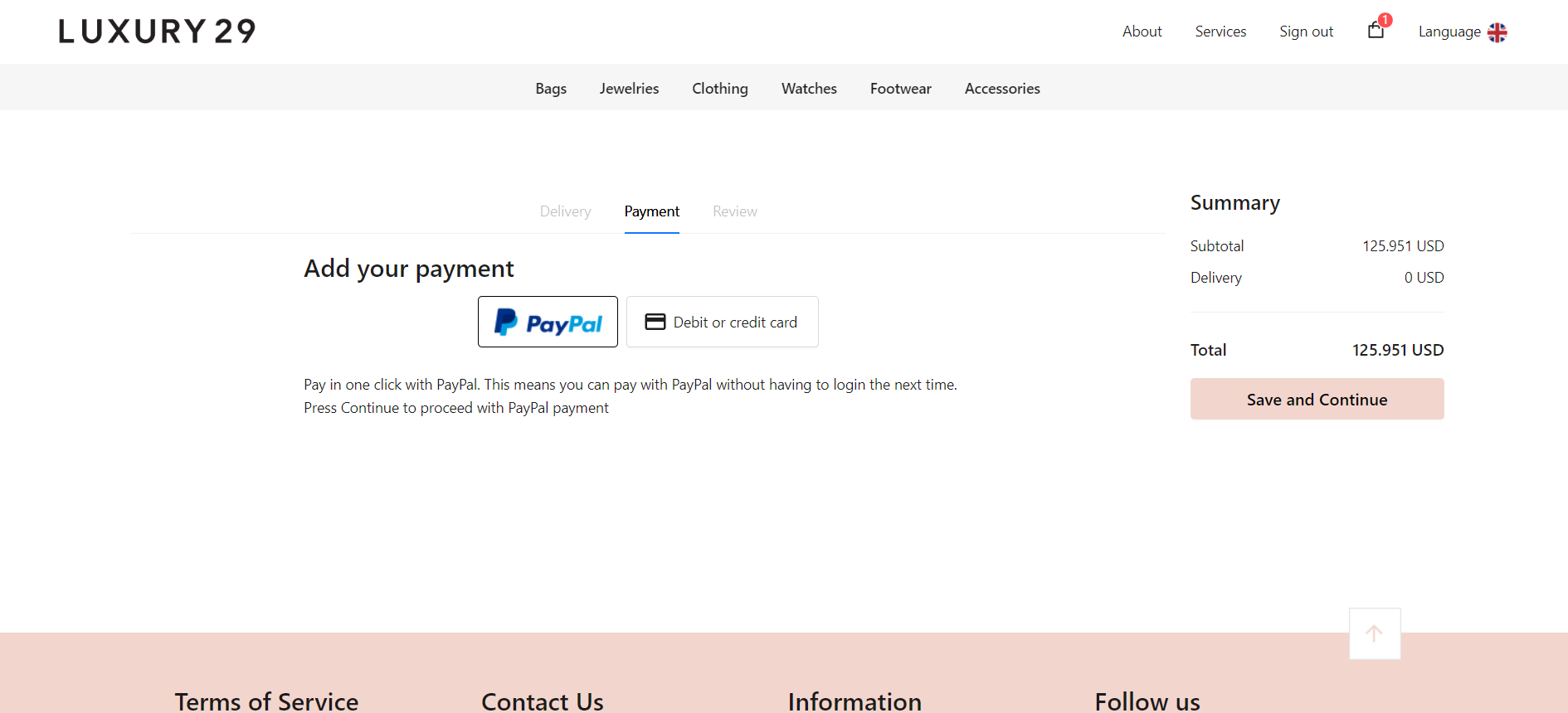
5. Check the list of products ordered. And the payment price then press the button "Continue"
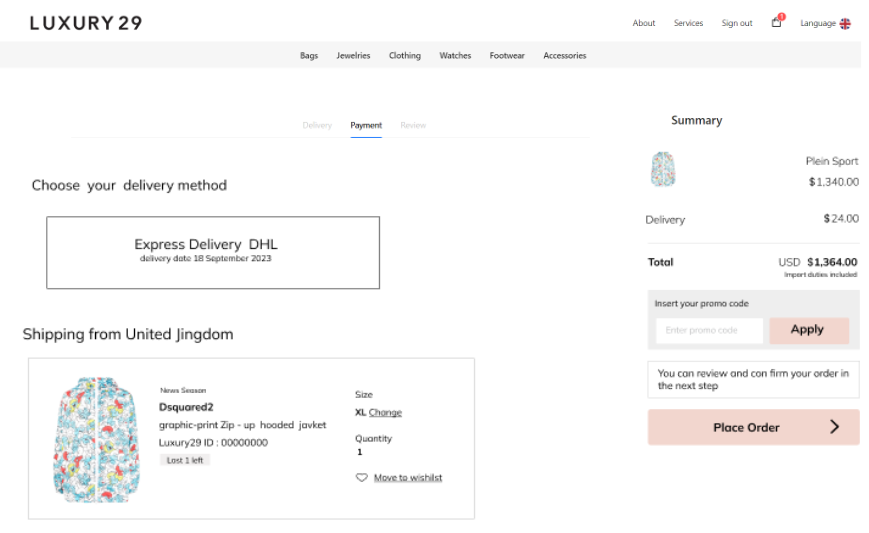
6. After you have completed your order. The product will be delivered to the address you specified.